
 EN
EN NL
NL DE
DE IT
IT FR
FR Think differently, think refurbished.
Keep using Microsoft Windows 10 after end of support
Written on 11 June 2026, last updated on 29 July 2026
In short
Yes, you can keep using Windows 10 after 14 October 2025. Your pc keeps working, but without action you no longer receive security updates from Microsoft.
Your safest choices are ESU for one extra year of security updates until 13 October 2026, or the free upgrade to Windows 11. If your pc is too old, a new pc with Windows 11 is the alternative.
- Support for Windows 10 ended on 14 October 2025
- With ESU you get security updates for Windows 10 until 13 October 2026
- The upgrade to Windows 11 is free for eligible pcs
- A refurbished pc with Windows 11 is an affordable alternative
Contents
- Keep using Windows 10 after 14 October 2025
- What does the end of support for Windows 10 mean?
- Security updates for Windows 10 through ESU
- Is it safe to keep using Windows 10?
- Moving to Windows 11: when is your pc eligible?
- Buying a new pc with Windows 11
- Windows 7, Windows 8.1 and the lessons from the past
- Keep using Windows 10 for free: what works and what does not?
- Which choice suits you?
- Frequently asked questions
- Sources
Your Windows 10 pc did not suddenly become worthless. Still, something important changed under the hood on 14 October 2025.
From that date Microsoft stopped the free security updates. This article explains how to keep using Windows 10 smartly and safely, and when moving to Windows 11 is the wiser choice.
So there is no need to panic. You have more options than buying a new pc right away, from an extra year of security updates to a free upgrade.
Keep using Windows 10 after 14 October 2025
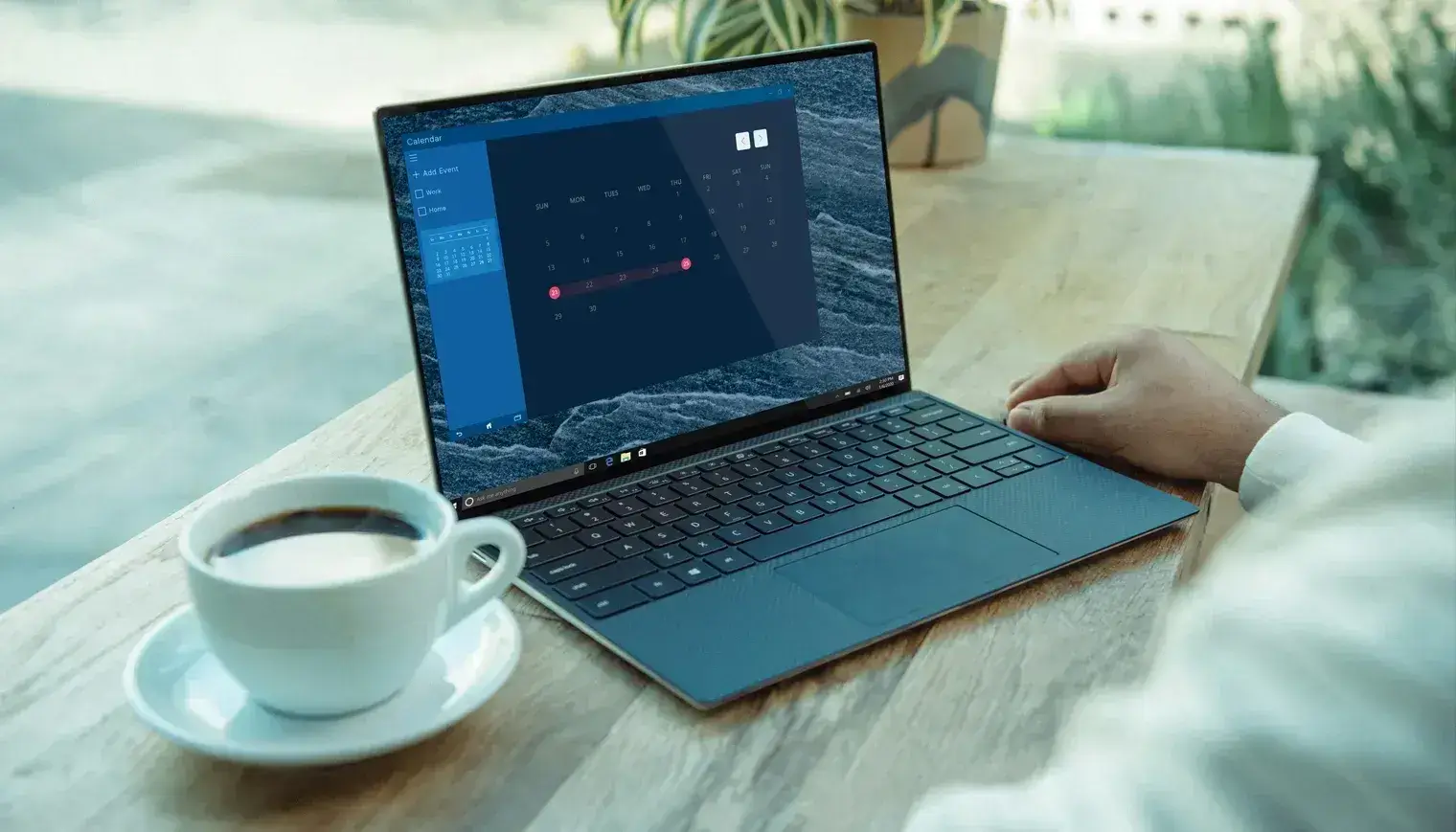
Yes, your Windows 10 pc simply keeps working after 14 October 2025. Your programs start and your files are still there.
The difference is in the security. Without new updates through Windows Update, Microsoft no longer patches fresh vulnerabilities in the standard edition.
So the question is not whether you can keep using Windows 10. The question is how you do that without making your pc needlessly vulnerable.
Microsoft clearly pushes towards moving to Windows 11. Still, you have more choice than buying a new pc straight away.
What does the end of support for Windows 10 mean?
The end of support means no more free security updates, bug fixes or technical help for Windows 10. The operating system itself does not disappear.
The last version of Windows 10, version 22H2, keeps running on your pc. What falls away are the monthly security updates you normally received through Windows Update.
Microsoft is clear about it. "Support for Windows 10 will end on October 14, 2025," the company writes on its official support page.
The scale makes this relevant. Around the end of support, hundreds of millions of pcs still ran Windows 10, and only in mid 2025 did Windows 11 take the lead for the first time according to StatCounter.
Your software feels this over time too. Microsoft keeps supporting parts like Microsoft Edge and Microsoft 365 on Windows 10 for a while, but that is temporary as well.
So the risk is not just theory. An operating system without updates becomes an attractive target over time.
Security updates for Windows 10 through ESU
With the ESU program you get one extra year of security updates for Windows 10, until 13 October 2026. ESU stands for Extended Security Updates.
What is new is that Microsoft now offers this to ordinary users too. Before, ESU was only meant for businesses with many old pcs.
You have three ways to enrol. For free by syncing your settings with a Microsoft account, with 1,000 Microsoft Rewards points, or with a one-time payment of around 30 euro.
The coverage runs until 13 October 2026. After that this route stops too and Windows 10 no longer gets security updates.
Mind what you get. ESU only delivers critical and important security updates, so no new features and no broad support from Microsoft.
The enrolment appears automatically in Windows Update. As soon as your pc qualifies, you see a notice there to sign up for the Extended Security Updates.
So see it as a bridge. You buy time to plan your move to Windows 11 calmly instead of in a rush.
Is it safe to keep using Windows 10?
Keeping Windows 10 is safe as long as you still receive updates through ESU. Once those stop, the risk grows quickly.
Without security updates, new holes stay open. Every month without a patch increases the chance a vulnerability gets exploited.
History underlines this. After the end of Windows 7 and Windows XP, attacks appeared that specifically sought those old, unsupported systems.
If you still want to run Windows 10 without ESU, limit the damage. Use a modern browser, a reliable antivirus and make regular backups of your files.
Still, this remains patchwork. To really keep your pc safe, you eventually need a supported version of Windows.
Moving to Windows 11: when is your pc eligible?
If your pc is compatible with Windows 11, the upgrade from Windows 10 to Windows 11 is free through Windows Update. So you do not necessarily have to buy a new pc.
Windows 11 does set stricter system requirements. You need TPM 2.0, Secure Boot and a more recent processor, among other things.
Check your device with the Microsoft PC Health Check app. It tells you right away whether your pc is eligible for Windows 11.
Windows 11 also offers extra security, such as Windows Hello to sign in with your face or fingerprint. And you get updates well beyond October 2026.
If your pc just misses the mark, do not force the Windows 11 installation. An unsupported installation may get no updates and is therefore less safe.
Want to understand the difference better, then read our article about the difference between Windows 10 and 11.
Buying a new pc with Windows 11
If your current device is too old for the upgrade, a new pc with Windows 11 is often the wisest choice. Patching up outdated hardware brings little.
Many Windows 10 pcs are now eight to ten years old. For a 10 year old machine a new purchase usually outweighs the hassle around it.
A new pc with Windows 11 does not have to be expensive. A refurbished laptop with Windows 11 Pro offers the performance of new for a lower price.
At DSL Tech laptops come with Windows 11 as standard and are tested on more than 30 points. That way you are ready for the coming years in one go.
The benefit is twofold. You are free of the hassle around Windows 10 and you choose a more sustainable, circular option. Feel free to look at our range to buy a Windows 11 laptop.
Windows 7, Windows 8.1 and the lessons from the past
The approach around Windows 10 looks a lot like what Microsoft did before. Windows 7 and Windows 8.1 went exactly the same way.
Windows 7 lost its support in January 2020. Windows 8.1 followed in January 2023, and Windows XP already in 2014.
Each time the system kept working, but without updates an old Windows became vulnerable fast. Whoever waited too long eventually ran into problems.
The lesson is simple. Running an old operating system works for a while, but not forever.
Windows 10 now follows the same path. A rumour about Windows 12 changes nothing for now, because it does not exist yet.
Keep using Windows 10 for free: what works and what does not?
Keeping Windows 10 for free is possible, because the free ESU route costs you nothing if you sync your settings with a Microsoft account. You then pay no 30 euro.
The free option is the cheapest way to keep getting security updates for Windows 10. You only need a Microsoft account and the Windows Backup feature.
Whether you run Windows 10 Home or Windows 10 Pro, you can join. The only hard requirement is that you are on version 22H2, the last version of Windows 10.
What does not work is going on for free forever. After 13 October 2026 the free route stops too and your Windows 10 pc is left without security updates.
So do not treat the free period as the end point. Use the extra year to arrange your move to Windows 11 or a new pc calmly.
Which choice suits you?
You have roughly three routes. The best choice depends on the age of your pc and how long you still want to go forward.
Does your pc have years left and is it compatible with Windows 11? Then the free upgrade to Windows 11 is the logical step.
Is your pc eligible but you do not want to switch yet? Then enrol in ESU and plan the upgrade to Windows 11 within the coming year.
Is your pc 10 years old or not eligible for Windows 11? Then a new pc with Windows 11 is almost always better value than muddling on with an old Windows.
Are you doubting between new and refurbished? A refurbished laptop with Windows 11 gives you the same certainty for less money, including warranty and a pc tested on many points.
Frequently asked questions
Can I keep using Windows 10 after 14 October 2025?
Yes, you can keep using Windows 10 after 14 October 2025. Your pc still starts up and your programs keep working. Without the ESU program you simply no longer receive security updates from Microsoft. So the real question is not whether you keep using Windows 10, but how you do it safely.
What is ESU for Windows 10?
ESU stands for Extended Security Updates. It is a program that gives you one extra year of security updates for Windows 10, until 13 October 2026. You enrol for free by syncing your settings with a Microsoft account, with 1,000 Microsoft Rewards points, or with a one-time payment of around 30 euro.
Is it safe to keep using Windows 10 without updates?
No, not in the long run. Without security updates new vulnerabilities stay open and the risk grows every month. With ESU you stay protected until 13 October 2026. To really keep your pc safe after that, you need a supported version of Windows, such as Windows 11.
Is upgrading from Windows 10 to Windows 11 free?
Yes, the upgrade from Windows 10 to Windows 11 is free if your pc meets the Windows 11 system requirements. You check this with the Microsoft PC Health Check app. If your pc does not qualify, a new pc with Windows 11 or a refurbished laptop with Windows 11 is an affordable alternative.
Sources
About the Author
Curious about the author behind this article?

Angelo van Cleef is a senior developer and IT specialist with over 23 years of experience at DSL Tech, focusing on development and marketing. Previously, he worked at large companies on long-term projects that spanned several years. In his spare time, Angelo enjoys fitness, hiking, and exploring new world cuisines.
We value your privacy
You decide which cookies we may use
We and our partners use cookies to keep the site running smoothly, understand how it's used, and show you offers that match your interests. We need your permission for some of these.
- A faster, smoother experience on dsl-tech.nl
- Offers and products that match your interests
- You can change your choice at any time
We never sell your data. Read our Privacy policy for more information.