
 EN
 NL
 DE
 IT
 FR
 Think differently, think refurbished.
Is a Dell docking station compatible with an HP laptop?
Written on 5 November 2026
In short
A docking station compatible with an HP laptop does not have to be an HP. A Dell dock generally works with an HP or Lenovo laptop, as long as it connects by USB-C or Thunderbolt and the laptop's port carries video. What changes between brands is the charging power and a handful of management features: Dell's docks charge other brands at up to 90 W, and the HP USB-C/AV G2 Universal gives up to 75 W to a laptop that is not an HP.
Contents
- Why docking station compatibility crosses brands
- What the USB-C port on your laptop has to support
- Charging power of a dock on another brand of laptop
- Is 90 W or 75 W enough?
- Dock features that only work with the same brand
- Choosing a USB-C dock for your HP, Dell or Lenovo laptop
- Frequently asked questions
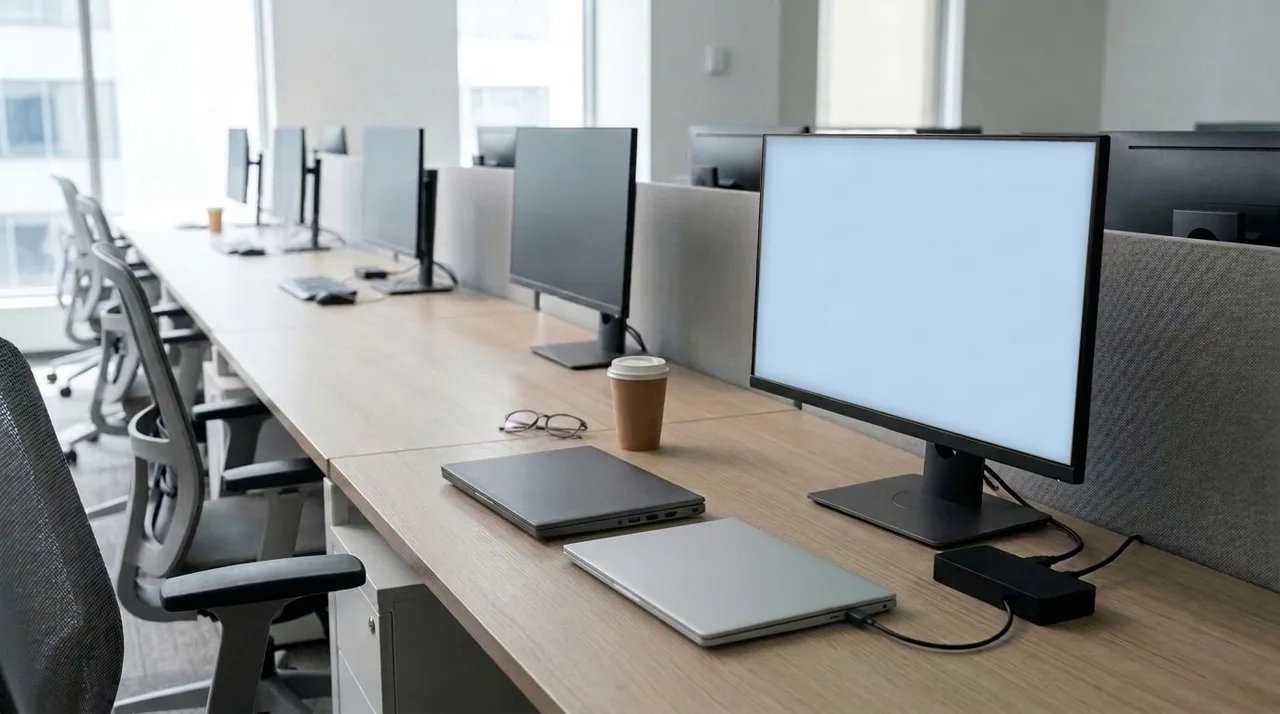
Why docking station compatibility crosses brands
Older docks clipped onto a connector on the bottom of the laptop, and that connector was different for every brand. Current business docks connect over a USB-C or Thunderbolt cable, which follows the same standards whoever made the laptop.
Dell says so in its support article on industry standard compatibility: its USB-C and Thunderbolt docks, including the WD19S, work with laptops from other manufacturers such as HP and Lenovo. The same article adds that there are functional limits on a non-Dell laptop. Those limits are what you need to know before you buy.
What the USB-C port on your laptop has to support
Brand matters less than the port. For a dock to drive monitors, the laptop's USB-C port has to carry video, through DisplayPort Alt Mode or Thunderbolt. For the dock to charge the laptop, that port has to accept charging. A DisplayPort symbol or a lightning bolt next to the port is a good sign; the specification sheet of your model is the reliable answer.
Charging power of a dock on another brand of laptop
This is the difference you notice most. A dock may charge its own brand at full power and other laptops at less. These figures come from the manufacturer's information and the specifications of our docks:
| Docking station | Own brand | Other brands |
|---|---|---|
| Dell WD19S | up to 130 W (Dell) | up to 90 W |
| HP USB-C/AV G2 Universal | up to 100 W (HP) | up to 75 W |
| HP USB-C Dock G5 | up to 100 W | no separate figure in our data |
| HP Thunderbolt 120W G4 | up to 100 W | no separate figure in our data |
Is 90 W or 75 W enough?
Compare it with the charger that came with your laptop: the output in watts is on its label. If the dock's figure for other brands is at or above that number, the laptop should charge as it does on its own charger. If it is below, the laptop charges more slowly and may lose charge under heavy load. Our guide to a laptop not charging through the docking station goes through the other causes.
Dock features that only work with the same brand
Beyond charging, Dell lists a few features that work only with a Dell laptop on its docks. None of them affects the screens or the peripherals in daily use, but an IT department managing laptops remotely may rely on them.
- The power button on the dock switching the laptop on and off.
- MAC address pass-through, so the network sees the laptop's own hardware address rather than the dock's.
- Wake on Dock and Wake-on-LAN.
Choosing a USB-C dock for your HP, Dell or Lenovo laptop
Same brand as the laptop: you get the full charging power. On an HP laptop, the HP USB-C Dock G5 or the HP USB-C/AV G2 Universal; on a Dell, the Dell WD19S, which gives a Dell up to 130 W.
Different brand, or a desk shared by several makes: check the charging figure for other brands against your charger. The Dell WD19S still gives 90 W to an HP or Lenovo laptop. All our docks are refurbished, tested and come with a two-year warranty. Send us your laptop model and we will tell you which of them fits.
Frequently asked questions
Will a Dell docking station work with an HP laptop?
Generally yes, over USB-C or Thunderbolt, if the HP's port carries video. Dell's docks charge a non-Dell laptop at up to 90 W, and a few features such as the dock's power button and Wake-on-LAN only work with a Dell.
Will an HP dock work with a Lenovo laptop?
An HP USB-C or Thunderbolt dock connects to a Lenovo with a USB-C port that carries video. Check the charging power: the HP USB-C/AV G2 Universal gives up to 75 W to a laptop that is not an HP.
Can one docking station work with Dell, HP and Lenovo laptops?
No dock is guaranteed for every laptop. A USB-C dock works with a laptop whose USB-C port carries video, whatever the brand; the limits are the laptop's port and the charging power for other brands.
About the Author
Curious about the author behind this article?

Angelo van Cleef is a senior developer and IT specialist with over 23 years of experience in IT, focusing on development and marketing. Previously, he worked at large companies on long-term projects that spanned several years. In his spare time, Angelo enjoys fitness, hiking, and exploring new world cuisines.
We value your privacy
You decide which cookies we may use
We and our partners use cookies to keep the site running smoothly, understand how it's used, and show you offers that match your interests. We need your permission for some of these.
- A faster, smoother experience on dsl-tech.nl
- Offers and products that match your interests
- You can change your choice at any time
We never sell your data. Read our Privacy policy for more information.