
 EN
EN NL
NL DE
DE IT
IT FR
FR Think differently, think refurbished.
How much RAM do you need for Photoshop?
Written on 3 July 2026, last updated on 20 August 2026
In short
For Adobe Photoshop 16 GB of RAM is the comfortable choice. Adobe names 8 GB as the minimum, but with 16 GB you edit photos with several layers smoothly.
If you work with very large files or high resolutions, 32 GB is more comfortable. Besides memory, a fast SSD and a good processor count towards Photoshop performance.
- 8 GB: Adobe minimum, only for small work
- 16 GB: recommended for most photographers
- 32 GB: for large files and high resolutions
Contents
Photoshop is known as a program that likes to use memory. Even so, you do not have to buy the maximum to work comfortably with it.
How much RAM for Photoshop?
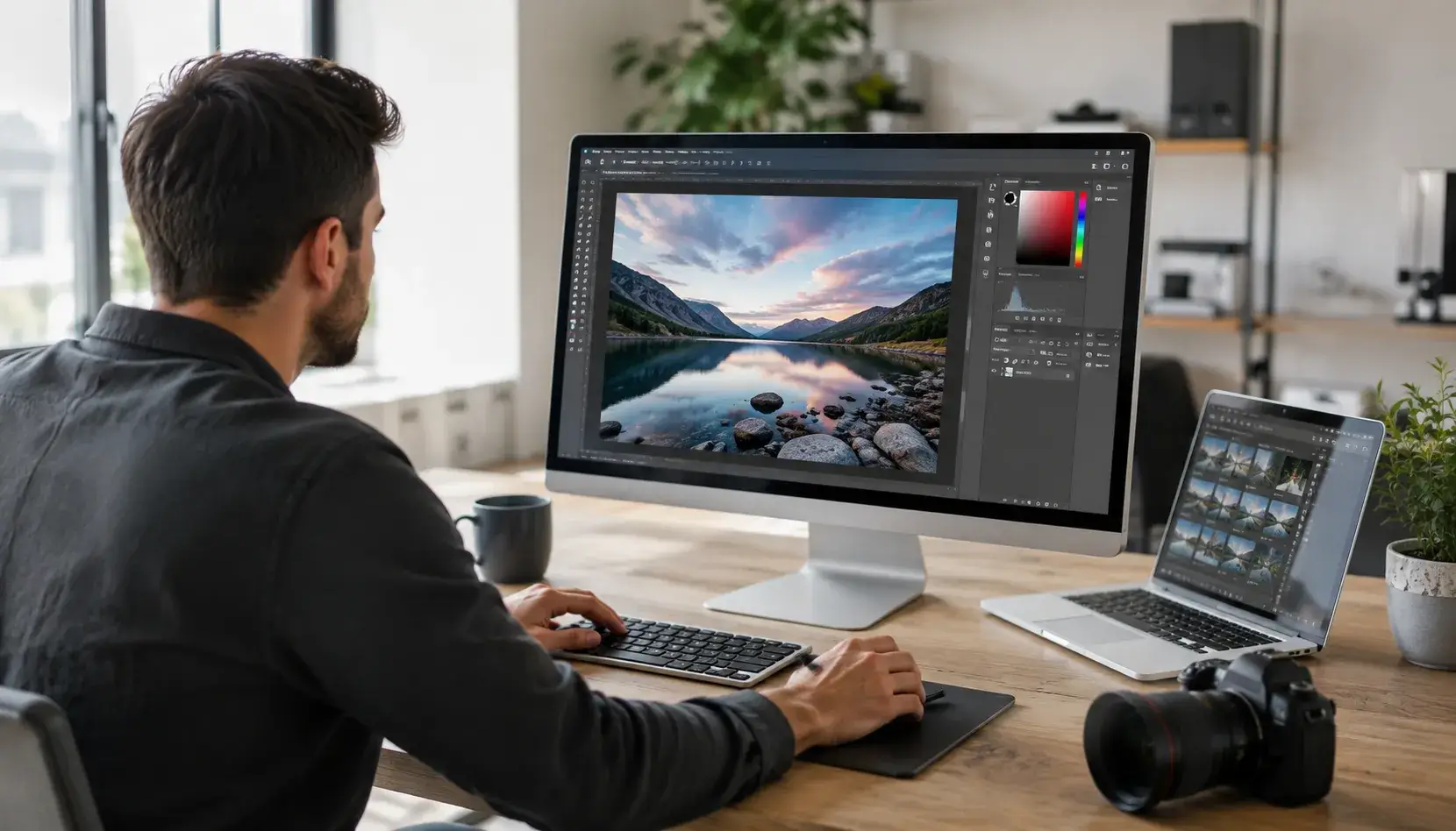
For Photoshop 16 GB of RAM is the comfortable choice for most photographers. With it you work smoothly on photos with several layers.
Adobe names 8 GB as the minimum, but that really is the floor. As soon as your files grow, you notice that 16 GB works more calmly.
What does Photoshop do with RAM?
Photoshop keeps your open files and edits in working memory. The larger your file and the more layers, the more RAM the program uses.
Smart objects and many undo steps ask for memory too. With enough RAM panning, zooming and filtering stay smooth.
Adobe system requirements
Adobe sets 8 GB of RAM as the minimum and recommends 16 GB or more. That recommended figure is a better guideline than the minimum.
Besides memory Photoshop asks for a modern processor and free disk space. A good refurbished laptop meets that combination without trouble.
When do you need 32 GB?
32 GB of RAM pays off with very large files and high resolutions. Think panoramas, composite images and work with many smart objects.
If you also use Lightroom or edit video alongside Photoshop, extra memory helps as well. For average photo work 16 GB remains fine.
In a workflow with Lightroom and Photoshop side by side the memory use adds up quickly. If you work with RAW files from a modern high-resolution camera, 32 GB is comfortable.
The SSD as scratch disk
When the RAM fills up, Photoshop uses your disk as temporary memory. That is called the scratch disk.
A fast SSD with enough free space then keeps Photoshop quick. On an old hard disk that feels noticeably slower.
Does the graphics card count?
A dedicated graphics card speeds up certain filters and functions in Photoshop. For ordinary photo editing it is not a must.
RAM, a fast SSD and a good processor usually count for more. If you also work with 3D or video, the graphics card becomes more important.
Both an NVIDIA GeForce and an AMD Radeon work well with Photoshop. A card with enough VRAM helps with large files and heavy filters.
The best hardware for Photoshop
The best laptop for Photoshop combines enough RAM with a fast processor and SSD. Together that hardware determines performance in your daily workflow.
Alongside a minimum, Adobe also publishes recommended system requirements. For comfortable work those recommended values are the better guideline.
Photoshop runs on both Windows and macOS with comparable requirements. On a refurbished laptop with Windows you work with it perfectly well.
If you want to know whether a laptop is suitable, compare the specifications with Adobe requirements. That way you know Photoshop will run smoothly.
Our advice
For Photoshop choose 16 GB of RAM, a fast SSD and an Intel Core i5 or i7, or a comparable AMD Ryzen. For heavy work with large files step up to 32 GB.
All our refurbished laptops are checked on more than 30 points.
If you want a suitable model, have a look at our refurbished laptops and filter on the memory you need.
Frequently asked questions
What is the minimum RAM for Photoshop?
Adobe names 8 GB as the minimum for Photoshop but recommends 16 GB or more. With 8 GB you work on small files, while 16 GB is more comfortable for most photo editing.
Is 16 GB enough for Photoshop?
For most photographers yes. With 16 GB you edit photos with several layers smoothly. If you work with very large files, many smart objects or high resolutions, 32 GB is more comfortable.
What is a scratch disk in Photoshop?
When the RAM fills up, Photoshop uses free space on your disk as temporary memory, the scratch disk. A fast SSD with enough free space then keeps Photoshop quick.
Do I need a separate graphics card for Photoshop?
A dedicated graphics card speeds up certain filters and functions, but it is not a must for ordinary photo editing. RAM, a fast SSD and a good processor usually count for more in Photoshop.
Sources
About the Author
Curious about the author behind this article?

Angelo van Cleef is a senior developer and IT specialist with over 23 years of experience at DSL Tech, focusing on development and marketing. Previously, he worked at large companies on long-term projects that spanned several years. In his spare time, Angelo enjoys fitness, hiking, and exploring new world cuisines.
We value your privacy
You decide which cookies we may use
We and our partners use cookies to keep the site running smoothly, understand how it's used, and show you offers that match your interests. We need your permission for some of these.
- A faster, smoother experience on dsl-tech.nl
- Offers and products that match your interests
- You can change your choice at any time
We never sell your data. Read our Privacy policy for more information.