
 EN
EN NL
NL DE
DE IT
IT FR
FR Think differently, think refurbished.
Keyboard typing wrong characters in Windows? Here is how to fix it
Written on 8 July 2026, last updated on 25 August 2026
If your keyboard types the wrong characters, the keyboard layout or language is almost always set incorrectly, not your hardware. Often you changed the layout by accident with a shortcut, or your laptop is set to US QWERTY instead of your own layout.
You usually fix it in a minute: switch the layout with the Windows key + spacebar, or set the correct keyboard language in the Windows language settings.
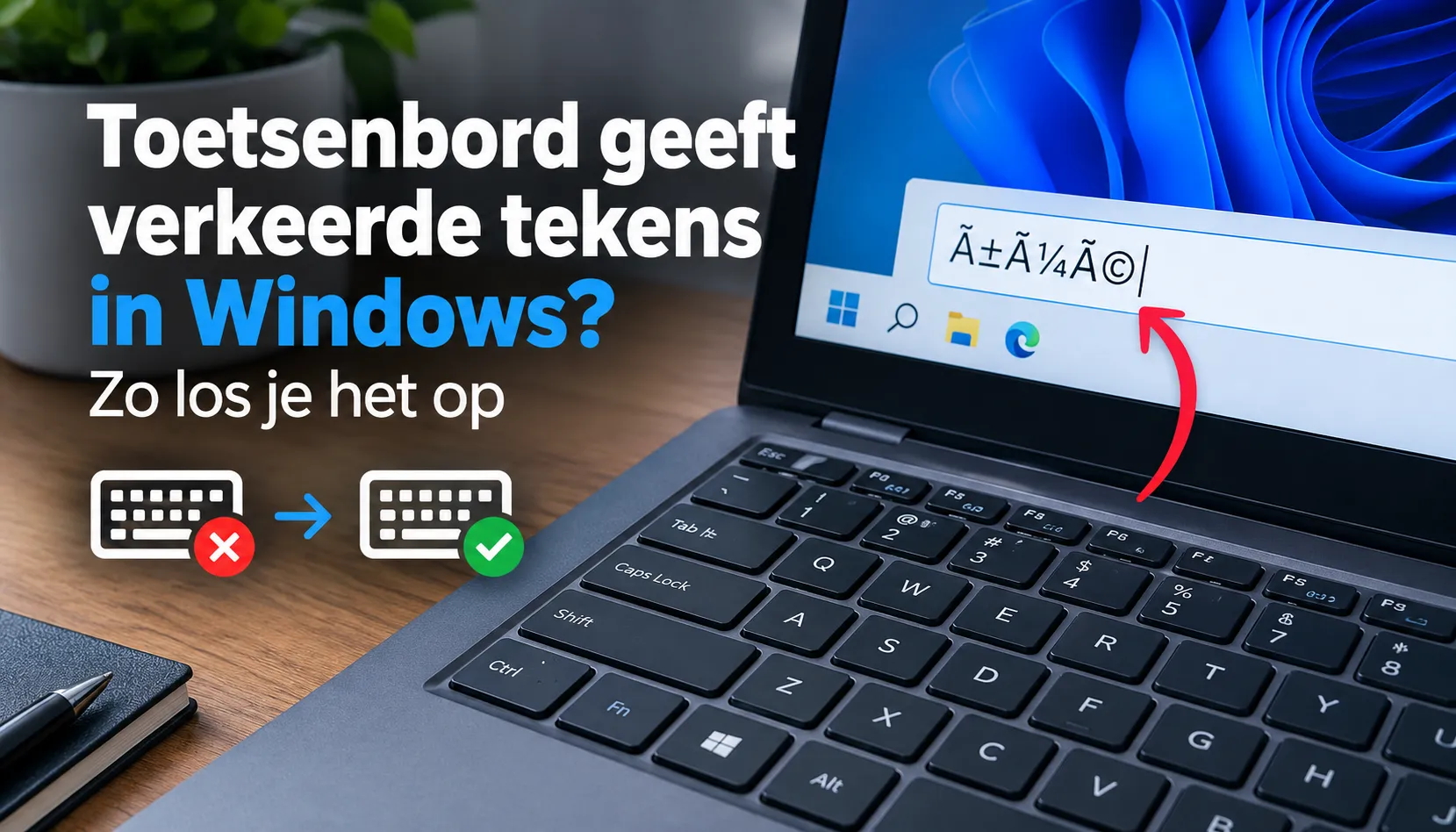
Why is your keyboard typing wrong characters?
If you get wrong characters on your keyboard, in almost all cases it is not broken hardware but the keyboard layout. Windows links a layout to every keyboard that decides which character belongs to which key.
If that layout is set to US, the @ and the " swap places, for example, and a character like the euro is hard to find. On a refurbished laptop with a US QWERTY keyboard you see this more often.
Sometimes you switch keyboard settings by accident while typing. Often you press a certain key combination, such as Ctrl, Alt or Shift together.
Your keyboard then suddenly types wrong characters, while nothing is broken. Below are the ways to solve the problem.
Quick fix: switch the layout with a shortcut
Press the Windows key + spacebar. You then see the available layouts; select yours and you often type the right characters again straight away.
If that does not work, try Alt + Shift. These are the best known shortcuts to switch between input languages, handy when your keyboard is set to another language by accident.
Changing the keyboard language and layout in Windows 10 and 11
To set it right permanently, go to Settings, Time and language, Language and region. Here you manage the language settings and the input language of your keyboard.
Click the three dots next to your language and choose Language options. Under Keyboards you can add or remove a keyboard and set the correct language.
Check that the correct layout is set and remove an unnecessary US layout, so you no longer switch to it by accident. Restart your laptop afterwards if needed.
Through the Control Panel
On older systems or for extra options you use the Control Panel. Type "control panel" in the search bar in the menu bar and open it.
Under Clock and region you manage the keyboard settings and remove layouts you do not need. That way you keep only the layout that types the right characters.
QWERTY, AZERTY or US: which layout do you need?
In the Netherlands we use the QWERTY layout with the Dutch language. The AZERTY layout is used in Belgium and France and gives strange characters if you select it by accident.
Refurbished laptops sometimes come from abroad with a US QWERTY keyboard. The keys are then mostly correct, but a few characters differ; with the right layout in Windows you still type correctly.
Still wrong characters? Check this
If the problem stays after changing the layout, check whether a key is stuck, for example a stuck Shift key.
Then clean the keyboard: dirt or dust under a key can block or repeat characters. On a wireless keyboard the connection or an empty battery can also make characters glitch.
Finally update your drivers through Windows Update from Microsoft, so your keyboard types the right characters again.
Key points
- Wrong characters almost always come from a wrong keyboard layout in Windows, not from broken hardware.
- Fastest fix: Windows key + spacebar (or Alt + Shift) to switch the layout.
- Permanent: set your own layout through Settings or the Control Panel and remove the US layout.
- Still wrong: check a stuck Shift key, dirt or dust, and update the drivers.
Why DSL-TECH?
Every refurbished laptop from DSL-TECH ships with the correct keyboard layout and updated drivers, and is tested on more than 30 points. So you type the right characters from the first minute.
Frequently asked questions
Why is my keyboard suddenly typing wrong characters?
Usually the keyboard layout was switched by accident, often with a shortcut while typing. Windows is then set to another layout (US for example), so your keyboard types wrong characters.
How do I set my keyboard back to my language?
Press the Windows key + spacebar and choose your layout. Or go to Settings, Time and language, Language and region and set the correct layout under Keyboards.
Why are the @ and the " swapped on my keyboard?
Then your keyboard is set to the US layout instead of yours. Change the keyboard layout back and the characters return to their place.
What is the difference between QWERTY and AZERTY?
QWERTY is the layout used in the Netherlands, AZERTY is Belgian or French. If your keyboard is on AZERTY it types other characters; select QWERTY with the right language.
Is it the hardware or Windows?
Almost always the setting in Windows, not the keyboard itself. If it stays wrong after changing the layout, check a stuck key, dirt or dust and the drivers.
Sources
About the Author
Curious about the author behind this article?

Angelo van Cleef is a senior developer and IT specialist with over 23 years of experience in IT, focusing on development and marketing. Previously, he worked at large companies on long-term projects that spanned several years. In his spare time, Angelo enjoys fitness, hiking, and exploring new world cuisines.
We value your privacy
You decide which cookies we may use
We and our partners use cookies to keep the site running smoothly, understand how it's used, and show you offers that match your interests. We need your permission for some of these.
- A faster, smoother experience on dsl-tech.nl
- Offers and products that match your interests
- You can change your choice at any time
We never sell your data. Read our Privacy policy for more information.