
 EN
EN NL
NL DE
DE IT
IT FR
FR Think differently, think refurbished.
When do you need 64 GB of RAM?
Written on 6 July 2026, last updated on 23 August 2026
In short
You only need 64 GB of RAM for heavy professional work. Think 4K video editing, 3D rendering, many virtual machines or large datasets.
For almost everyone 16 GB is enough and 32 GB is the ceiling. Paying for 64 GB you never use does not give you a faster laptop.
- 16 GB: fine for work, study and most users
- 32 GB: for video editing, photo work and heavy multitasking
- 64 GB: for 4K editing, 3D rendering, VMs and large datasets
- Our refurbished laptops are checked on more than 30 points
Contents
64 GB of RAM sounds impressive on a spec sheet. The only question is whether you will ever use that much.
For most people the answer is no. Below I explain who 64 GB does make sense for, and who is throwing money away.
What does 64 GB of RAM mean?
RAM is the working memory of your laptop or PC. It holds everything you are busy with at that moment.
With 64 GB you can keep an enormous number of applications and files in that memory at once. Your computer then almost never falls back on slower storage.
That is pleasant, but only if you actually fill that space. Most programs do not come anywhere near 64 GB.
Who is 64 GB overkill for?
For the average user 64 GB of RAM is far too much. Working, studying, browsing and video calling use only a small part of it.
If you work in Office, email and a browser with many tabs, 16 GB has you well covered. Even with a good many programs open you will not fill 64 GB.
Most freelancers and home workers are fine with 16 GB as well. Extra memory you do not use does not make your laptop faster.
You spend that money more wisely on a fast SSD or a better processor. Those you do notice every day.
When do you really need 64 GB?
64 GB of RAM pays off in heavy professional work with large files. Then the investment earns itself back in time and smoothness.
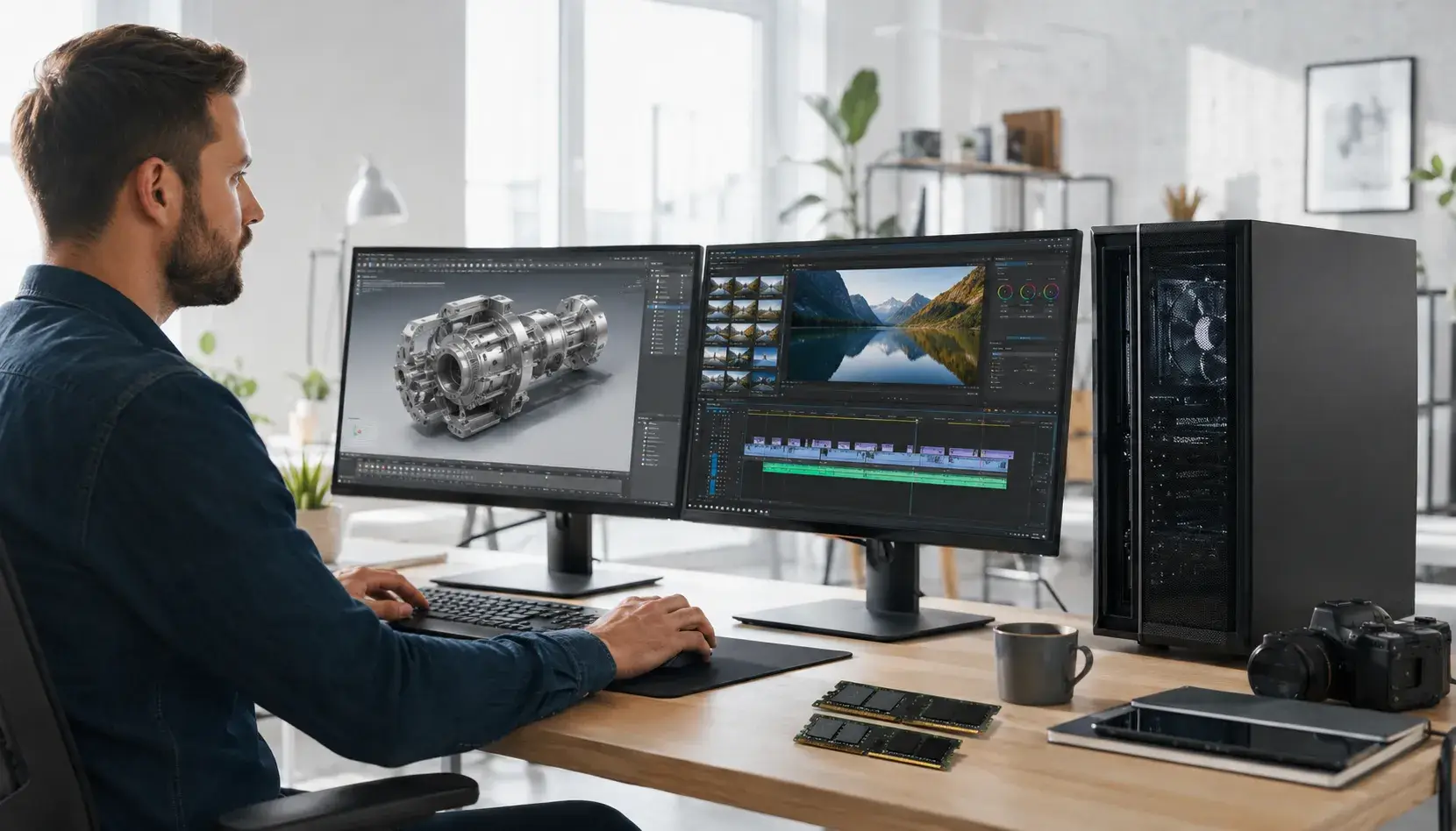
If you edit video in 4K or 8K, such a project swallows a lot of memory. With 64 GB the editing stays fluid and you wait less when exporting.
3D rendering and heavy simulations benefit from that room too. Large scenes and demanding software then keep everything in memory.
If you run several virtual machines at once, 64 GB is almost a requirement. Every virtual machine claims its own slice of memory.
The same applies if you work with very large datasets, for instance in data analysis. If you do not recognise yourself here, 64 GB is not for you.
16, 32 or 64 GB: the comparison
The difference between these three comes down purely to how heavy your work is. More memory is only a gain if your programs ask for it.
With 8 GB you handle light tasks, but you hit limits quickly when multitasking. For work and study that is on the tight side.
16 GB is the sweet spot for by far the most users. You work smoothly with many tabs, Office and video calls side by side.
32 GB is for the heavy user who edits video daily or works with large photo files. Only above that, at 64 GB, do you enter professional workstation territory.
64 GB of RAM and gaming
For gaming 64 GB of RAM is not needed. Most games run fine on 16 GB of memory.
If you stream at the same time or play heavy simulations with many mods, 32 GB is plenty. More memory will not give you extra frames per second.
For gaming it is mainly the graphics card and its own memory, the VRAM, that counts. A good GPU does more for your frame rate than a jump to 64 GB.
DDR4 or DDR5, and does speed count?
DDR5 is the newer memory type, DDR4 the generation before it. In everyday use you notice little of that difference.
The speed of RAM is expressed in MHz. For most tasks the amount of memory counts for more than that clock speed.
Many reliable refurbished laptops still run DDR4. That works excellently and is cheaper as well.
Can you expand to 64 GB?
On some business laptops you can expand the memory. On mobile workstations from HP, Lenovo and Dell 64 GB is sometimes achievable.
Do watch out, because not every model supports that much memory. The maximum depends on the mainboard and the number of slots.
If you are unsure whether a model handles 64 GB, check the specifications. If you are not certain, feel free to ask us before you order.
64 GB in a self-built PC
If you build a PC yourself, you buy the memory separately as a kit. For 64 GB you usually choose a set of two sticks, for example 2x32 GB DDR5.
Such a kit spreads the memory over two channels, which helps performance. Do make sure your mainboard and the other components support that amount.
Manufacturers and OEMs offer 64 GB mainly on workstation PCs, whether you choose Intel or AMD. On Windows that amount of memory only makes a difference if your programs really ask for it.
For most people, gamers included, 64 GB in such a build is not needed. On a ready-made or refurbished machine you do not have to think about this at all.
You then simply choose the amount of memory that suits your work. How much RAM you need depends on your tasks and not on the highest number.
Our advice
Do not take 64 GB unless you recognise yourself in the heavy work above. For almost everyone 16 GB is the best balance between price and performance.
If you work in the creative or technical field with large projects, 32 GB is often already enough. Reserve 64 GB for genuine workstation tasks.
All our refurbished laptops are checked on more than 30 points. That way you know the memory and the rest of the hardware are reliable.
Want to see what suits your work? Have a look at our refurbished laptops and filter on the memory you need.
Frequently asked questions
Do you need 64 GB of RAM for gaming?
No, for gaming 64 GB of RAM is unnecessary. Most games run fine on 16 GB, and heavy titles or streaming alongside are covered by 32 GB. For your frame rate the graphics card counts for far more than a jump to 64 GB.
When is 64 GB of RAM worthwhile?
In professional work with large files. Think 4K and 8K video editing, heavy 3D renders, many virtual machines at once or working with large datasets. For those tasks 64 GB keeps everything smoothly in memory.
Is 32 GB not simply enough?
For almost everyone it is. 16 GB covers daily work, 32 GB is the ceiling for heavy users such as video editors and photographers. Only when your program or workflow explicitly asks for more do you step up to 64 GB.
Does DDR4 or DDR5 matter at 64 GB?
DDR5 is newer and faster, but for most work you notice little of that difference. The amount of memory counts for more than the generation. For a refurbished laptop 64 GB of DDR4 is still a fine and reliable basis.
Sources
About the Author
Curious about the author behind this article?

Angelo van Cleef is a senior developer and IT specialist with over 23 years of experience at DSL Tech, focusing on development and marketing. Previously, he worked at large companies on long-term projects that spanned several years. In his spare time, Angelo enjoys fitness, hiking, and exploring new world cuisines.
We value your privacy
You decide which cookies we may use
We and our partners use cookies to keep the site running smoothly, understand how it's used, and show you offers that match your interests. We need your permission for some of these.
- A faster, smoother experience on dsl-tech.nl
- Offers and products that match your interests
- You can change your choice at any time
We never sell your data. Read our Privacy policy for more information.