
 EN
EN NL
NL DE
DE IT
IT FR
FR Think differently, think refurbished.
When do you need a dedicated graphics card?
Written on 30 June 2026, last updated on 17 August 2026
In short
You need a dedicated graphics card for gaming, video editing, 3D work and rendering. For office work, browsing and watching video an integrated graphics card is plenty.
A dedicated card is a separate chip with its own memory, the VRAM. It takes the heavy graphics work off the processor.
- Integrated: enough for everyday tasks and office work
- Dedicated: needed for gaming, video editing and 3D
- More VRAM helps at high resolutions such as 4K
Contents
A dedicated graphics card sounds like something you always want. In practice far from everyone needs one.
It depends entirely on what you do with your laptop. I show you when a separate card pays off and when it does nothing for you.
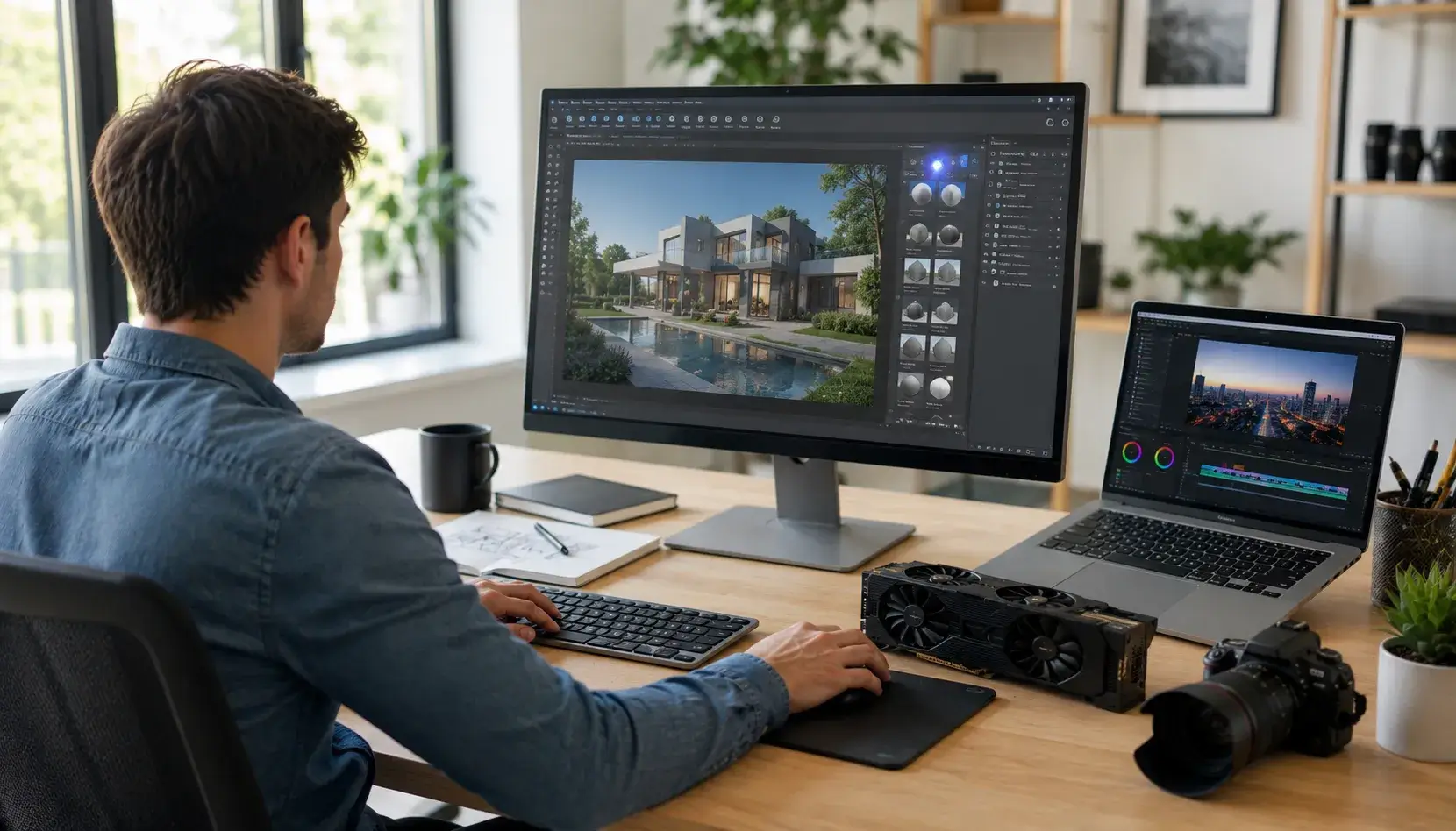
When do you need a dedicated graphics card?
You need a dedicated graphics card for graphically heavy tasks. Think gaming, video editing, 3D work and rendering.
For those tasks a separate card with its own memory is noticeably faster. For ordinary office work such a card adds nothing.
Integrated or dedicated: the difference
An integrated graphics card is built into the processor. It shares your laptop memory and suits everyday tasks.
A dedicated graphics card is a separate chip with its own memory, the VRAM. Think of cards from the NVIDIA GeForce range or from AMD Radeon.
Because a dedicated card has its own memory, it handles graphics work far faster. The processor then keeps its hands free for everything else.
When is integrated enough?
For most people an integrated graphics card is plenty. Office work, browsing, email and watching video ask little graphics power.
Light photo editing and playing 4K video work fine too. The modern integrated cards from Intel and AMD are well up to this.
If you do not game and do no heavy graphics work, you miss nothing. A dedicated card would only cost extra power.
Which tasks need dedicated?
For gaming a dedicated graphics card is the most important component. It decides how many frames per second you get and how well games look.
In video editing and rendering a dedicated card speeds up exporting considerably. Large 4K projects stay smooth with it.
3D work and many AI tasks lean heavily on the graphics card too. For those uses a separate card is almost a requirement.
VRAM and resolution
The memory on a graphics card is called VRAM. The higher the resolution you work or play at, the more VRAM you need.
For lighter games and photo work 4 to 6 GB of VRAM is a comfortable starting point. For modern games at high resolution and 4K video you want 8 GB or more.
Techniques such as ray tracing and DLSS also ask for a solid card. They determine how realistic and fluid the image looks.
These techniques run on the graphics card and help with gaming, rendering and AI tasks. A stronger card with more VRAM gets noticeably more out of them.
Which graphics card do I need?
Which graphics card you need depends entirely on your graphics tasks. For office work and watching video an integrated card is enough.
If you game or edit video, you choose a dedicated graphics card. Models from the NVIDIA GeForce RTX range or from AMD Radeon are popular choices.
When choosing, look at the amount of VRAM and the resolution you work at. That way you find the right card without paying too much for power you do not use.
If you hesitate between two cards, compare the specifications side by side. The model and the generation say more than the name alone.
Hybrid and shared graphics cards
Many laptops have a hybrid setup with two graphics cards. For light tasks they use the economical integrated card, for heavy work the dedicated one.
An integrated card is sometimes called a shared graphics card because it shares the working memory. A dedicated card has its own memory on board.
This setup gives you the best of both. You keep a long battery life, with extra power when you need it.
Dedicated and battery life
A dedicated graphics card uses more power than an integrated one. You notice that in your laptop battery life.
Many laptops therefore switch cleverly between the two cards. For light tasks they use the economical integrated card, for heavy tasks the dedicated one.
The integrated version uses less power, whether you work on a laptop or a desktop. The processor then quietly handles the computing and the image as well.
Our advice
Only choose a dedicated graphics card if you game or do heavy graphics work. For office work and everyday use integrated is the smart and economical choice.
All our refurbished laptops are checked on more than 30 points.
If you want a model with a dedicated graphics card, have a look at our refurbished laptops and filter on the graphics card you need.
Frequently asked questions
Do I need a dedicated graphics card for office work?
No. For Office, email, browsing and watching video an integrated graphics card is plenty. A dedicated card adds nothing for this use and only costs extra power.
When do you need a dedicated graphics card?
For gaming, video editing, 3D work, rendering and many AI tasks. For those graphically heavy tasks a dedicated card with its own memory gives fluid performance.
What is the difference between an integrated and a dedicated graphics card?
An integrated graphics card sits in the processor and shares the working memory. A dedicated graphics card is a separate chip with its own memory, the VRAM, and is therefore far more powerful for graphics work.
How much VRAM do I need?
For lighter games and photo editing 4 to 6 GB of VRAM is a comfortable starting point. For modern games at high resolution, 4K video and 3D you want 8 GB or more.
Sources
About the Author
Curious about the author behind this article?

Angelo van Cleef is a senior developer and IT specialist with over 23 years of experience at DSL Tech, focusing on development and marketing. Previously, he worked at large companies on long-term projects that spanned several years. In his spare time, Angelo enjoys fitness, hiking, and exploring new world cuisines.
We value your privacy
You decide which cookies we may use
We and our partners use cookies to keep the site running smoothly, understand how it's used, and show you offers that match your interests. We need your permission for some of these.
- A faster, smoother experience on dsl-tech.nl
- Offers and products that match your interests
- You can change your choice at any time
We never sell your data. Read our Privacy policy for more information.