
 EN
 NL
 DE
 IT
 FR
 Think differently, think refurbished.
USB-C hub vs docking station: which do you need?
Written on 5 November 2026
In short
USB-C hub vs docking station comes down to where you work. A USB-C hub is a small adapter that adds a few ports and is built to travel. A docking station has its own power supply, more ports and usually two or more video outputs, and it charges the laptop over the same cable. For a desk you sit at every day with one or two monitors, buy a dock; for a laptop bag, a hub.
Contents
What is a USB-C hub?
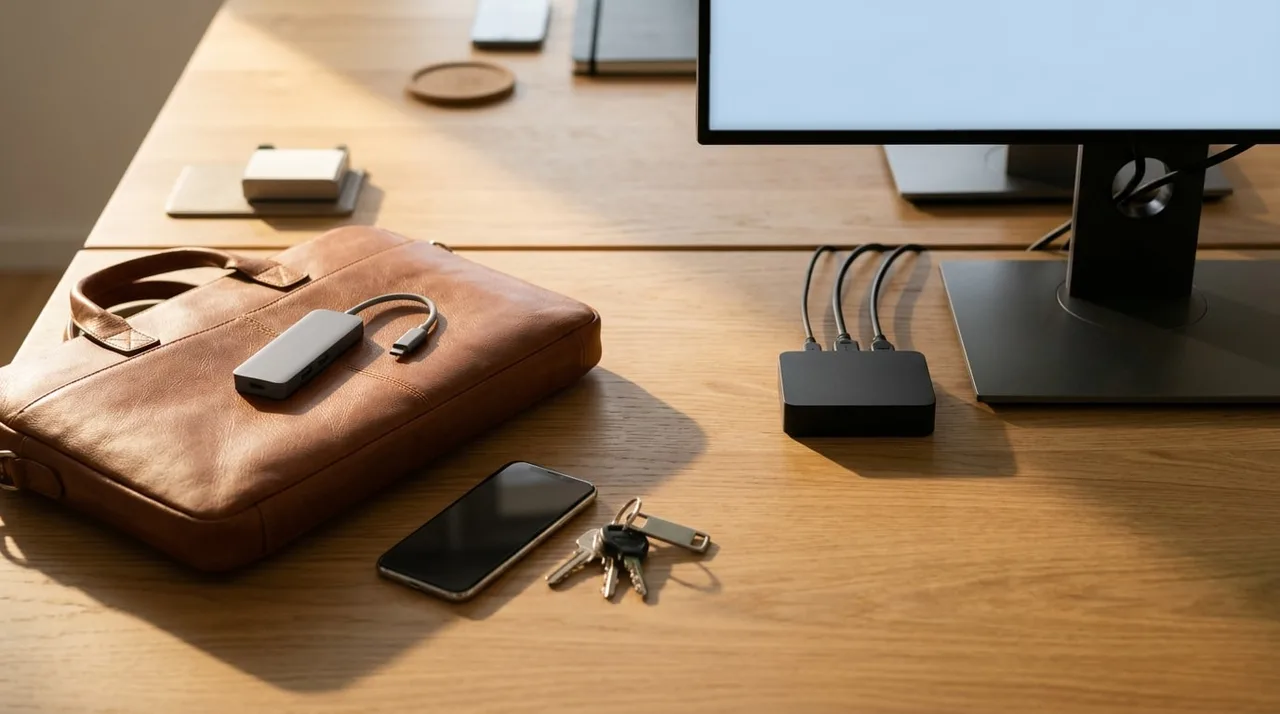
A hub plugs into one USB-C port and splits it into several: typically a couple of USB-A ports, an HDMI output and sometimes a card reader or a network port. It is small enough to live in a laptop bag, and many need no power supply of their own.
That last point is also the limit. A hub without its own power runs on what the laptop gives it, so it cannot charge the laptop by itself. Some hubs have a USB-C input to pass your laptop charger through; check the product sheet for how many watts of power delivery it passes on.
What is a docking station?
A dock is built for a fixed desk. It has its own power supply, so it can power everything plugged into it and charge the laptop through USB-C Power Delivery. The Dell WD19S, for example, charges a Dell laptop at up to 130 W, and the HP USB-C Dock G5 at up to 100 W.
It also has more of everything a desk needs. The HP USB-C Dock G5 has two DisplayPort outputs and an HDMI output, four USB-A and two USB-C ports, and a wired network port. Monitors, keyboard, mouse and network cable stay plugged in; the laptop connects with one cable.
USB-C hub vs docking station: the differences side by side
The hub column describes what is common for travel hubs; check the sheet of the one you are looking at. The dock column uses the HP USB-C Dock G5 as the example.
| USB-C hub | Docking station (HP USB-C Dock G5) | |
|---|---|---|
| Power | usually from the laptop | own power supply |
| Charges the laptop | only with a charger passed through | up to 100 W over the same cable |
| Video outputs | often one HDMI | 2x DisplayPort, 1x HDMI |
| USB ports | a few | 4x USB-A, 2x USB-C |
| Wired network | on some models | yes |
| Built for | the laptop bag | a fixed desk |
When a USB-C hub is enough
If you work from different places and only need to plug in a projector, a memory stick or a single monitor now and then, a hub does the job and weighs next to nothing. The same goes for a hot desk where the office already provides a dock and you only want a spare HDMI port in your bag.
Why choose a docking station instead of a hub
Once you have a desk you return to, the sums change. Two monitors, a wired connection and a laptop that charges while you work all point to a dock, because a hub usually manages only part of that list.
A dock also takes the daily plugging in away. Without one, a two-monitor desk means two video cables and a charger into the laptop every morning. With one, it is a single cable. Our guide on how to connect two monitors to a laptop goes through both setups step by step.
If your laptop has Thunderbolt and you move large files or run several high-resolution displays, a Thunderbolt dock adds bandwidth for data transfer and screens. Our comparison of Thunderbolt and USB-C docks explains when that difference is worth paying for.
Refurbished USB-C docking stations
We sell refurbished docks from HP, Dell and Lenovo, made for business laptops. Each one is tested and comes with a two-year warranty. For a laptop whose USB-C port carries video, the HP USB-C Dock G5, the HP USB-C/AV G2 Universal and the Dell WD19S all connect over USB-C and have at least two DisplayPort outputs.
Frequently asked questions
Is a USB-C hub the same as a docking station?
No. Both add ports to a USB-C laptop, but a dock has its own power supply, more video outputs and usually charges the laptop, while a hub is a small travel adapter that mostly runs on the laptop's power.
Can a USB-C hub charge my laptop?
Only if it has a USB-C input for your charger and passes the power through. Check the hub's sheet for the wattage. A dock with its own power supply charges the laptop without a separate charger.
Can I connect two monitors with a USB-C hub?
Some hubs have two video outputs, but many have one HDMI port. For two screens with their own picture, a dock with two DisplayPort outputs on a USB-C port that carries video is the dependable route.
Is a docking station worth it over a hub?
At a desk you use every day, yes: it charges the laptop, drives two monitors and keeps keyboard, mouse and network cable plugged in, so you connect one cable instead of several.
Docking stations in this article
About the Author
Curious about the author behind this article?

Angelo van Cleef is a senior developer and IT specialist with over 23 years of experience in IT, focusing on development and marketing. Previously, he worked at large companies on long-term projects that spanned several years. In his spare time, Angelo enjoys fitness, hiking, and exploring new world cuisines.
We value your privacy
You decide which cookies we may use
We and our partners use cookies to keep the site running smoothly, understand how it's used, and show you offers that match your interests. We need your permission for some of these.
- A faster, smoother experience on dsl-tech.nl
- Offers and products that match your interests
- You can change your choice at any time
We never sell your data. Read our Privacy policy for more information.